OSPF troubleshooting: five checks before the rabbit hole
Start with reachability, interface settings and neighbor state before blaming the entire protocol.
Hello again. Yes. We are back to talk about OSPF.
At this point nobody should be surprised. But this time we're not here to admire OSPF. We're here because something is broken.
A neighbor is missing.
A route has disappeared.
Someone is stuck in EXSTART.
And suddenly you're 47 commands deep, you've restarted OSPF twice, caffein is low and you are starting to think of implementing IS-IS instead. STOP! We can fix this.
The problem with troubleshooting OSPF isn't usually that there aren't enough things to check. As a matter a fact it's the oposite. There's way too many things to check.
So before we enter the rabbit hole, let's do some detective work together. Just to prevent you from choosing IS-IS everytime you need an IGP.
Chapter 1. What exactly is dead?
Imagine calling your doctor and saying:
"Something is wrong."
Okay, do you have any more information than that? What is wrong? Where is it located and under what circumstantions did it occur?
OSPF troubleshooting works the same way. But instead of calling a medical doctor, you're now calling your Networking Doctor.
Before touching the configuration, figure out what the actual problem is.
- Is the neighbor completely missing?
- Is there a neighbor, but it's stuck in INIT?
- Is it stuck in EXSTART or EXCHANGE?
- Is the adjacency FULL, but your route is still missing?
Because those are very different problems.
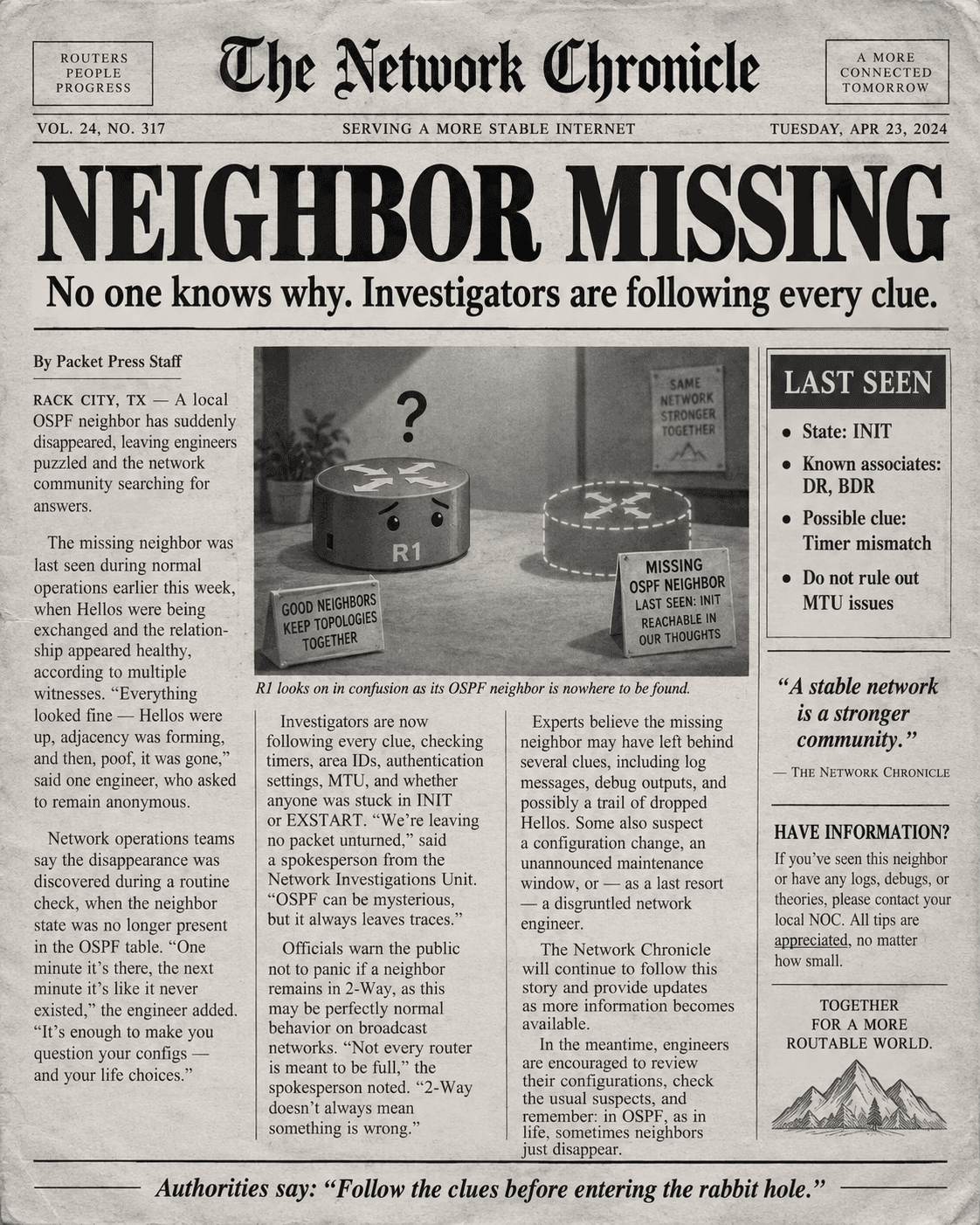
This sounds ridiculously obvious, but I think it's one of the easiest mistakes to make. At least this is my observasions. We see something wrong with OSPF and immediately start checking everything related to OSPF. Don't.
First write down what you expected to happen and what is actually happening.
For example:
Expected: R1 and R2 should become FULL neighbors.
Reality: R2 doesn't appear in #show ip ospf neighbor
Now we have a crime scene and something to work with when we start investigating for real.
Chapter 2. Is the router even invited to the party?
Before investigating mysterious symptoms we need to check the easy stuff. Like checking the pulse once you've got your patient in front of you.
So, can we please check if the interface is actually up? I know, this is boring. But boring things break networks too.
Check the interfaces and then check the IP addresses. Check the subnets and make sure OSPF is actually enabled where you think it is.
I usually draw a topology so I can actually see the problem infront of me.
And don't forget our old friend:
passive-interface
Because passive-interface is basically OSPF saying:
"I will tell everyone about this network.
But I am NOT talking to anyone on it."
A passive OSPF interface can still advertise its connected network into OSPF, but it will not send Hellos and therefore won't form a neighbor adjacency on that interface. It's the non-social neighbour of yours. Which is perfectly fine.
Unless you expected a social neighbor there who would form a relationship. Then it's slightly less fine.
And while we're here: if there's a firewall or ACL between the routers, remember that OSPF uses IP protocol 89, not TCP 89 or UDP 89. Just protocol 89.
Poor OSPF doesn't even get a port number.
Chapter 3. Relationship counseling
Okay, so the interfaces are up and OSPF is running.
Hellos should be happening and our routers are supposed to become friends.
Now we do what any good relationship counselor would do... We compare both sides, right? :)
OSPF neighbors need to agree on some important things before the relationship can continue.
Things like:
- Area ID
- Hello timer
- Dead timer
- Authentication
- Area options
- Relevant subnet information
- Network type
Picky? Yes, I know! Well... not everything has to match. Cost, priority and Router ID can be different and the routers can still form an adjacency.
This is where I like to stop looking at one router, because staring at R1 for twenty minutes isn't going to tell you that R2 has a different Hello timer. Put them next to each other and compare.
R1 says area 0 while R2 says area 1. Mystery solved.
Sometimes troubleshooting really is that easy. Which unfortunately means you can also spend 45 minutes troubleshooting something that turns out to be one number.
Networking ❤️
Chapter 4. OSPF is literally telling you what's wrong
This is probably my favourite part.
Because the neighbor state is a clue.
Don't just see EXSTART and think:
"OSPF broken."
OSPF has actually told you how far the relationship got before everything fell apart.
And that makes your investigation much smaller.
No neighbor at all
Start with Hellos.
Are they being sent?
Are they being received?
Is OSPF enabled?
Is the interface passive?
Are protocol 89 packets being blocked?
We're still very early in the relationship.
They haven't even said hello properly.
INIT
INIT is one of my favourites because the meaning is almost painfully clear.
One router has received a Hello from the other router...
but it doesn't see itself listed inside the neighbor's Hello.
Basically:
R1: "Hello R2! I can see you!"
R2: "Who are you talking to?"
image
That points toward one-way communication.
One router can hear the other.
But communication isn't working in both directions.
Very toxic relationship.
2-WAY
This one deserves a warning sign.
Because people sometimes see 2-WAY and immediately assume something is broken.
But on a broadcast network, that can be completely normal.
DROther routers don't need to form FULL adjacencies with every other DROther.
They form full adjacencies with the DR and BDR.
So before you try to "fix" a router in 2-WAY:
Check whether it's actually supposed to become FULL.
image
Please don't troubleshoot normal OSPF behaviour.
OSPF has enough problems without us inventing new ones.
EXSTART / EXCHANGE
Ah.
Now we've reached:
MTU territory.
Not every EXSTART or EXCHANGE problem is caused by MTU, but it's absolutely one of the things I want to check here.
At this stage the routers have already found each other. They've exchanged Hellos. They've decided they actually want an adjacency.
Now they're trying to synchronize their databases using Database Description packets.
And then:
"My MTU is 1500."
"Mine is 1400."
"..."
image
A mismatch can prevent the adjacency from moving forward.
This is why neighbor state is so useful.
If I'm stuck in EXSTART, I'm probably not spending my first twenty minutes checking whether OSPF is enabled on the interface.
We've already made it way past that point.
Follow the clues.
LOADING
Loading means we're even further into the relationship.
The routers have already exchanged database summaries and are now requesting LSAs they discovered they need.
So if they get stuck here, start thinking about the LSA exchange itself.
Not Hellos.
Not whether the interface is passive.
We've moved on.
FULL
And finally:
FULL.
The routers are fully adjacent.
They've synchronized their Link State Databases.
Everything is wonderful.
Except...
your route is missing.
image
This is where I want you to leave the adjacency alone.
Seriously.
Stop restarting OSPF.
The neighbors are FULL.
They did their job.
Now we need to investigate the route.
Chapter 5. Follow the missing route
A FULL neighbor relationship doesn't mean every route you imagined will magically appear in the routing table.
Adjacency and route installation are two different parts of the story.
So if a route is missing, follow it.
First question:
Does OSPF actually know about the prefix?
Look in the LSDB.
Is the expected LSA there?
If it isn't, your problem is somewhere before the route reaches this router.
If the LSA is there, keep going.
What type of route should this be?
- Intra-area?
- Inter-area?
- External?
Can the next hop be resolved?
Is there filtering or summarization involved?
Is another routing source preferred?
image
This is where troubleshooting becomes much easier if you stop asking:
"Why doesn't OSPF work?"
And instead ask:
"How far did this prefix get?"
Maybe R1 knows it.
Maybe R2 has the LSA.
Maybe R3 has the LSA but doesn't install the route.
Those are three completely different problems.
Follow the packet.
Follow the LSA.
Follow the clues.
Chapter 6. Stop hitting it with a hammer
There's one final troubleshooting technique I'd like to discuss.
And by technique I mean:
Don't restart everything.
I know the temptation.
Something is broken.
clear ip ospf process
Boom.
Maybe it works.
image
But if you reset the process before understanding what happened, you might also reset the evidence.
And now your network works again...
but you still have absolutely no idea why it broke.
Which means you'll probably be seeing each other again.
Change one thing.
Verify.
Then move on.
Troubleshooting should be a controlled investigation, not a slot machine where we keep entering commands until routing comes back.
Final thoughts
OSPF troubleshooting gets